
01
Set what this trip needs
Enter the destination, dates, guest count, budget, and the stay details you cannot compromise on.
Enter your destination, dates, budget, and must-haves. Casamo checks listing photos, amenities, and reviews, then returns a ranked shortlist.
Sample report
The report ranks stays from Airbnb and Booking.com, shows why they matched, and points out the details worth checking before you book.

Sample ranked shortlist
Buenos Aires, Argentina
Airbnb
Airbnb
Airbnb
Priorities checked
Wi-Fi and AC
How it works
Set your trip needs, let Casamo check the evidence, then review a short list instead of another booking-site grid.
Enter the destination, dates, guest count, budget, and the stay details you cannot compromise on.
Casamo reads the photos, listing details, amenities, and recent reviews side by side.
Get ranked options, why they made the list, and the questions worth asking before you book. Open the original listing to book on the provider site.
What Casamo checks
Hosts choose the labels. Casamo checks photos, listing details, and reviews so you can see what is clear, what is uncertain, and what to ask next.

Hosts can tag a listing as a dedicated workspace. Casamo looks for a real desk, a usable chair, outlet access, and enough light for a workday.
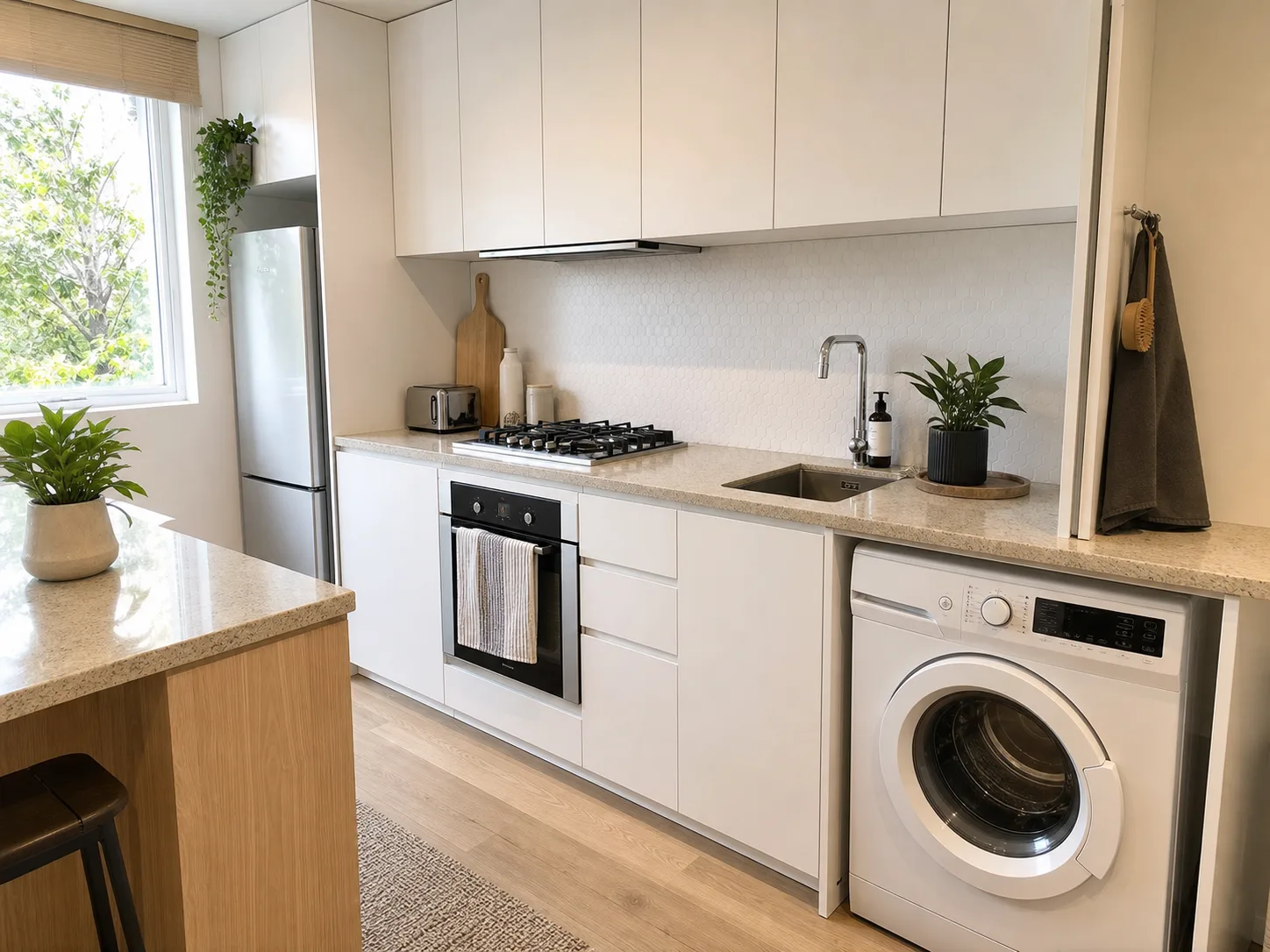
For longer stays, a washer and usable kitchen should be visible in the listing, not just selected in the amenities list.
Dark rooms, thin photo sets, and missing amenity shots show what to confirm before you message the host.
Recent reviews can reveal noise, cleanliness issues, slow host replies, or details that do not match the photos.
Trip Search Pass
Pay once for a 7-day window with three destination searches. Each search reviews up to 150 listings and returns 6–10 qualified property choices when enough stays pass every requirement.
Everything you need to compare a shortlist before booking, without starting a subscription.
Enter a destination, tell us what matters, and Casamo compares photos, amenities, and reviews so you can choose from stronger listings.